
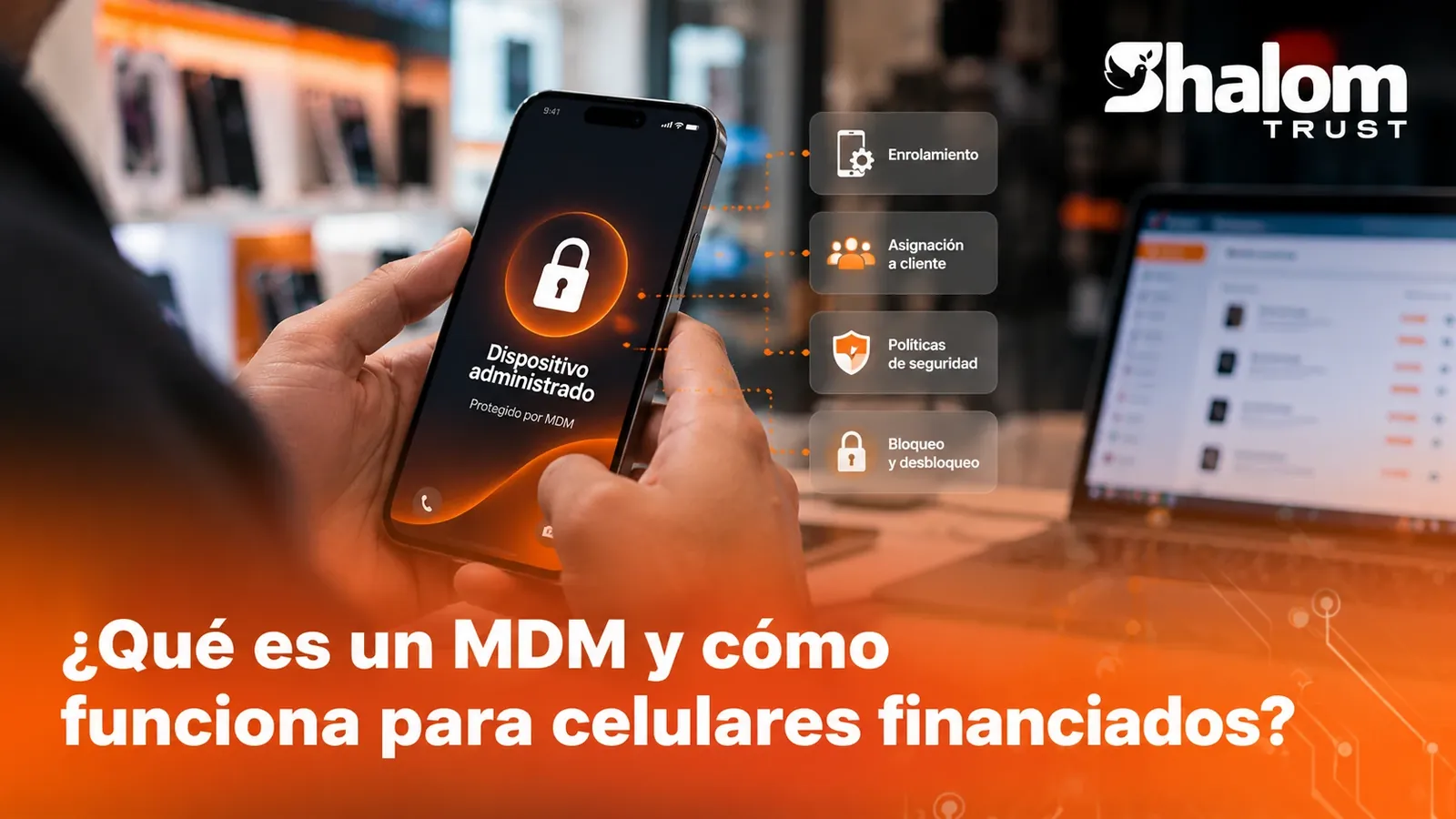
An MDM lets you manage phones remotely. We explain how it works, what it can do and what changes when devices are sold on credit.
If you sell phones in installments, the same question comes up sooner or later: how do I keep control of a device that is already in the customer's hands but has not been fully paid for? The answer almost always involves an MDM. In this guide we explain what it is, how it protects your portfolio and what sets a corporate MDM apart from one designed for financing.
What is an MDM
MDM stands for Mobile Device Management. It is a system that lets an organization configure, monitor and take action on phones and tablets remotely, from a central dashboard, without having the device in hand.
Companies have used it for years to manage their employees' phones. The same capabilities serve a retailer that sells on credit, with one important difference we will look at below.
How it works
From the dashboard, the retailer sees its devices and decides what to do with each one. When an authorized person orders an action, or an automatic rule triggers it, the platform sends it to the phone, which applies it as soon as it is connected.
All of this happens without you touching the device or asking the customer for anything: the action leaves your dashboard and is recorded.
How a device gets protected
Protection starts in the store. Before the phone is handed over, the device is enrolled in the MDM. On a platform built for financing, this is a guided process your staff follows step by step, on Android as well as on iPhone and iPad.
From that moment on, the device is tied to its customer and contract. Doing it during the sale, before the customer sets up personal accounts, is what turns the phone into real collateral for the credit.
General MDM vs. MDM for financing
A corporate MDM answers the question "how do I manage my company's phones?". A retailer selling on credit also needs to answer "what do I do with this device based on how this customer's payments are going?".
| Aspect | Corporate MDM | Financing-oriented MDM |
|---|---|---|
| Who the device is for | A company employee | A customer who is paying for it |
| What drives actions | IT policies | IT policies and credit status |
| Link to other data | User and department | Customer, contract, installments and payments |
| Lock | For loss or theft | Also for delinquency, under agreed rules |
| Unlock | Manual, by IT | When payment is confirmed or by authorization |
The practical difference is the connection between the device and collections. If the MDM lives in one system and payments in another, someone has to cross-check that information by hand every day. When they are integrated, each device is linked to its contract and actions can follow rules: how many days overdue are tolerated, at what hours action can be taken, who authorizes an exceptional unlock.
An MDM does not replace a good credit policy: it enforces it in an orderly, verifiable way.
What actions an MDM allows
The actions of an MDM for financing fall into four groups:
- Configuration: require an unlock code or prevent certain settings from being changed.
- Applications: install the apps the device needs or prevent them from being uninstalled.
- Information: check the model and the last time the device connected.
- Remote actions: lock and unlock the device remotely.
The life cycle of a financed device
Seen from the store, a phone sold on credit goes through these stages:
- Entry into inventory. The device is registered with its identifier (IMEI or serial number).
- Sale and contract. The customer, the installment plan and the agreement that the device will be managed for the duration of the credit are recorded.
- Enrollment. The device is enrolled in the MDM before delivery.
- Link. The device is associated with the customer and the contract. From then on, its status and the payment status are seen together.
- Normal use. While the customer pays, they enjoy their device as usual.
- Delay and catch-up. If payments fall behind, the reminders and, where applicable, the agreed actions are applied. Once the customer pays, they are reversed.
- Release. When the last installment is paid, the device is no longer managed and belongs fully to the customer.
The last stage is as important as the first: a customer who finishes paying and receives a free device is a customer who comes back to buy from you.
Common mistakes when starting out
- Enrolling after delivery. Enrollment is done during the sale, while the device is still in the store.
- Not recording the device identifier. Without an IMEI or serial number linked to the contract, any claim turns into an argument.
- Forgetting the release. A customer who has finished paying deserves a free device without having to ask for it.
Frequently asked questions
Does the customer know the device is managed?
They should. Management has to be explained and accepted in the contract. Hiding it is not only bad practice: it can be illegal depending on the country.
Can the MDM be removed from the settings?
A properly enrolled device stays protected: the customer cannot remove management as if it were just another app.
What happens if the customer factory resets the phone?
On Android, Shalom Trust's two-layer lock keeps the device protected even if the customer factory resets it.
What happens if the device has no internet?
The order is not lost: it is applied as soon as the device reconnects.
Can the MDM see the customer's photos or messages?
No. An MDM is designed to manage the device, not to read its personal content. Explain this in the contract: transparency builds trust with your customer.
What to look for in a platform
- Connection with collections: credit status and device status visible together.
- Configurable rules: days overdue, allowed hours and exceptions defined by your business.
- Unlock on payment: so the customer gets their device back without any hassle.
- Action log: every lock or unlock must be recorded with date, reason and person responsible.
- Contract with the customer: device management must be disclosed and accepted in writing. We cover this in how locking phones for non-payment works.
In short
An MDM is the tool that lets you manage a phone remotely and protect the device for the duration of the credit. For a retailer selling on credit, what makes the difference is having the MDM connected to customers, contracts and payments. To see how we solve this on Android, check out Shalom Trust Android MDM; for iPhone and iPad, Apple MDM.