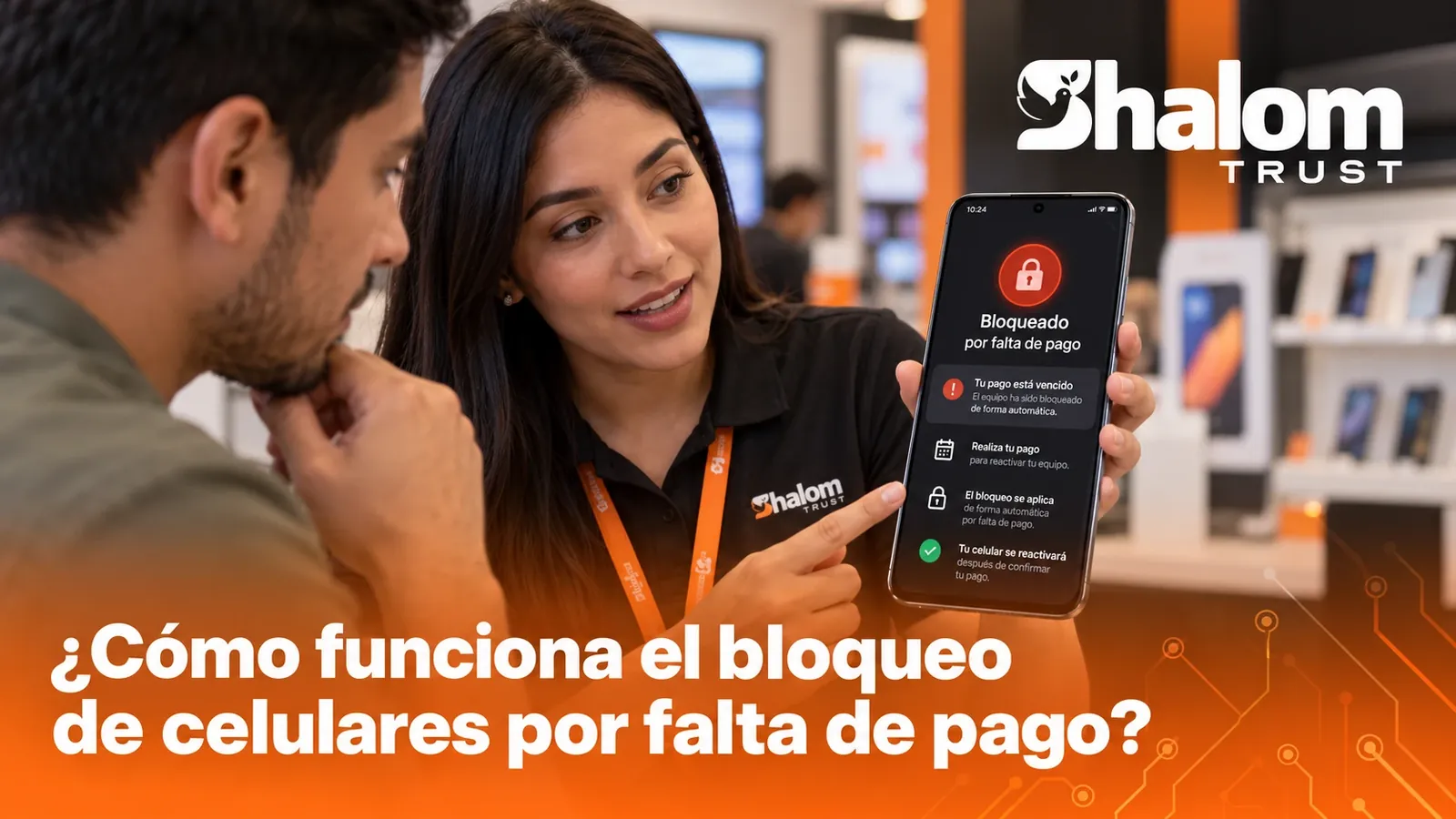
A non-payment lock protects your portfolio when it is applied under rules agreed with the customer. Here is how it works from start to finish.
Locking a phone for non-payment is one of the features that most interests retailers selling on credit, and also one of the worst explained. Applied well, it protects your portfolio and brings order to collections: it combines technology with rules defined before the device is ever handed over.
What exactly is a non-payment lock
It is a remote action that restricts the use of a financed device when the customer misses the agreed payments, and that is reversed once they catch up. It runs through the MDM in which the phone was enrolled, which is why the device is enrolled before delivery.
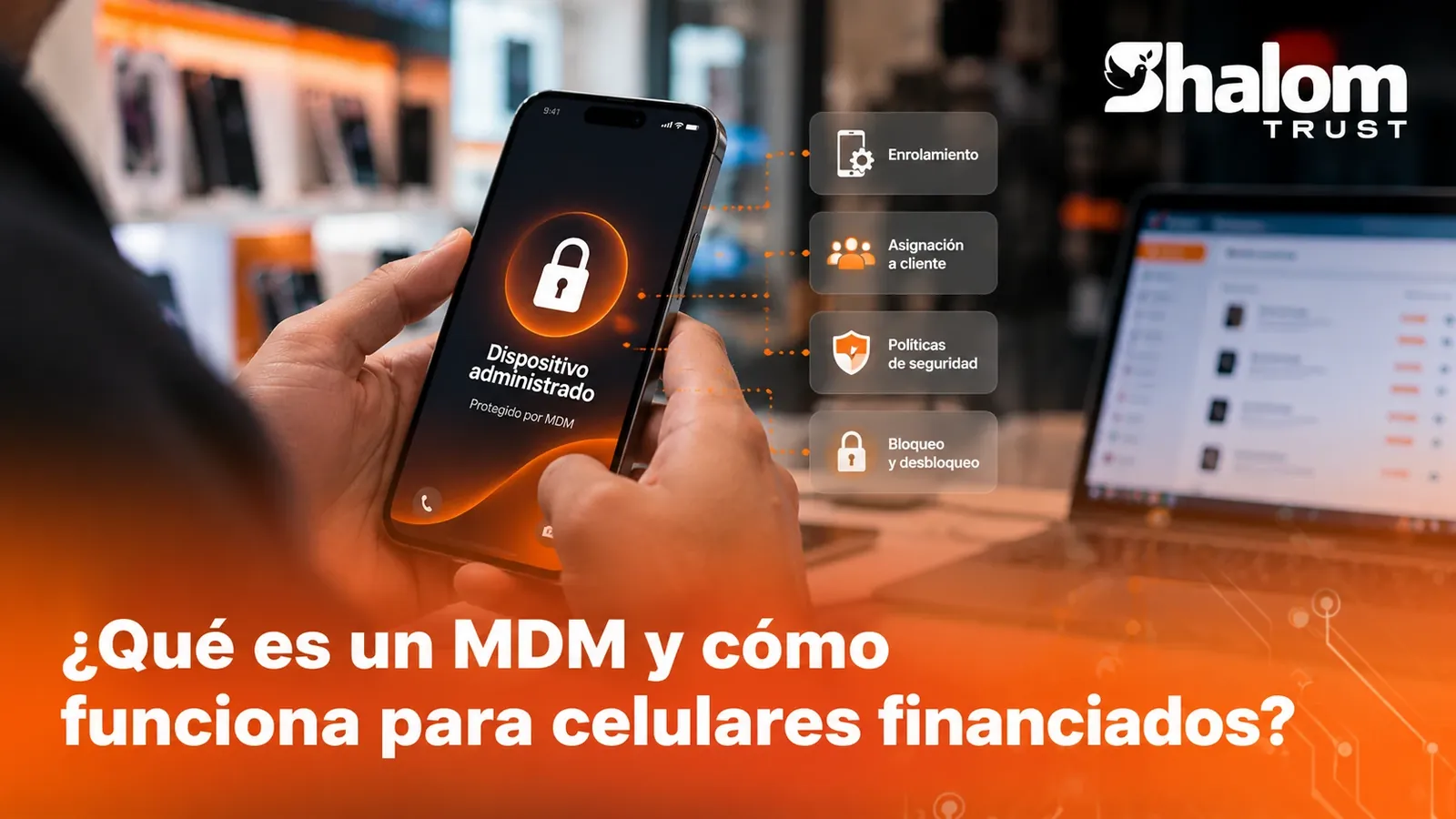
If you are not yet sure what an MDM is or how a device gets enrolled, start with what an MDM is and how it works for financed phones.
The complete cycle
1. Before handing over the device
The lock is decided at the counter, not on the day of the delay. Before handing over the phone:
- The device is enrolled in the MDM.
- The customer signs a contract explaining, in plain language, that the device is managed, what can happen if they do not pay and how it gets unlocked.
- The device is linked to that customer and that contract in the system.
2. The delinquency policy
The policy defines when and how to act. It usually sets:
- Grace days: how many days overdue are tolerated before any action.
- Prior notices: reminders before and after the due date.
- Allowed hours: the time window in which a lock can be run, so as not to do it in the middle of the night, for example.
- Exceptions: devices or branches to which the automatic rule does not apply.
3. Evaluation and lock
When an installment passes its deadline, the system evaluates the case according to the policy. If action is called for, it sends the command to the device through the MDM. Every evaluation should be recorded with its reason, even when the outcome is to do nothing.
4. Payment and unlock
When the customer pays, the payment is recorded and the system sends the unlock order. There should also be an authorized manual unlock, for cases such as a payment agreement or a recording error.
Best practices
- Warn before acting. The lock should be the last step in a sequence of reminders, not the first.
- Keep the lock proportionate. Its goal is to restore contact with the customer and recover the payment, not to punish.
- Unlock quickly. If the customer pays and the device takes time to be released, trust is lost. Automate the unlock once the payment is confirmed.
- Record everything. Date, reason, rule applied and person responsible for each action.
- Protect the customer's information. What is shown on screen should not expose the amount owed to third parties.
- Check the law in your country. Consumer protection and collection rules change from one country to another. Get advice before defining the policy.
- Make clear what stays available. State in the contract which functions remain active on a locked device, such as emergency calls.
A sample policy, step by step
Every business sets its own timelines based on its portfolio, type of customer and local law. Purely to illustrate how a policy is organized, one possible sequence would be:
| Moment | What happens | Responsible |
|---|---|---|
| A few days before the due date | Reminder with amount, date and payment method | System |
| Due date | Second reminder | System |
| First days overdue | Personal contact and offer of payment options | Collections agent |
| End of the grace period | Notice that the agreed measure will be applied | Collections agent |
| After the notice, no response | Case evaluation and, if applicable, lock during allowed hours | System, with record |
| Payment recorded | Automatic unlock and confirmation to the customer | System |
The exact days are left out of the table on purpose: there is no number that is right for everyone. What matters is that the sequence exists in writing, that the customer knows it and that it applies equally to everyone.
What the customer sees on their phone
A good lock informs, it does not humiliate. Ideally the screen should show:
- That the device is restricted because of a pending payment, without detailing the amount or sensitive data someone else could see.
- How to contact the store: a phone number or a service channel.
- How to resolve the situation and what will happen after payment.
How to explain it at the point of sale
The most important conversation about the lock happens on the day of the sale. A short script helps the whole team tell it the same way:
- "This device is managed by the store for the duration of the credit."
- "If an installment is late, we will first notify you through the channels you gave us."
- "If the delay continues, the device may be restricted until you catch up on your payment."
- "Once you pay, it unlocks; and when you finish paying, the device is completely released."
A customer who understood this at the counter is rarely surprised later, and that completely changes the tone of collections.
Locking is not wiping
It is worth keeping these actions apart. Locking restricts the use of the device and can be reversed with no loss of information. Wiping returns the device to its factory state and deletes the user's data. Wiping is not a collections tool: it belongs in cases such as a stolen device, and always under very strict rules on who can order it.
Frequently asked questions
When is the device enrolled?
During the sale, before handing it over. Enrollment is what lets you protect the device from day one.
How long does it take to unlock after paying?
As soon as the payment is confirmed, the system sends the order and the phone applies it on receipt, without the customer having to go to the store.
Does it also work on iPhone?
Yes. You can remotely lock and unlock Android, iPhone and iPad devices.
What happens if the customer changes the SIM card?
MDM commands do not depend on a specific SIM, but on the device having an internet connection, whether through mobile data or Wi-Fi.
Can I lock at any time?
It is best to define allowed hours in your policy and stick to them. Some collection rules also regulate when you may make contact or take action.
How it fits with collections
The lock works best as part of the collections process rather than as a separate step. If the system that records payments is the same one that knows the device status, unlocking can be immediate and nobody has to cross-check lists by hand. To go deeper into the portfolio side, read how to reduce delinquency in a phone store.
At Shalom Trust we organize this with policies based on days overdue, allowed hours, unlocking once the payment is confirmed and a record of every evaluation. You can see it on the non-payment lock page or request a demo.