
Why choose Shalom Trust for your business?
More than locking financed phones. We connect devices, credit and collections.
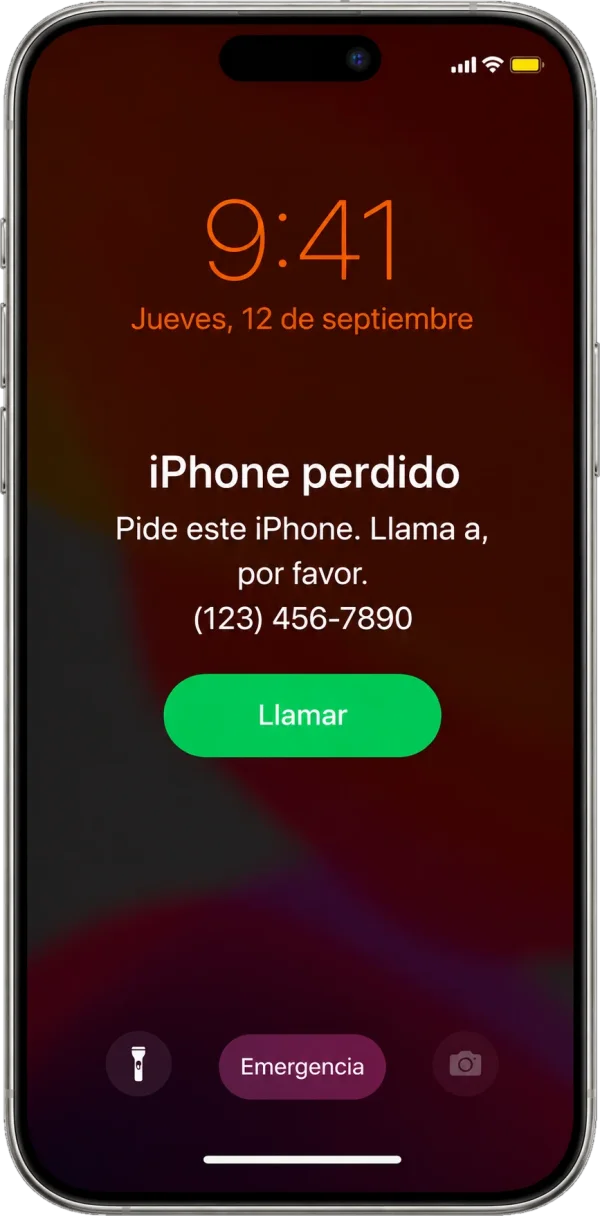
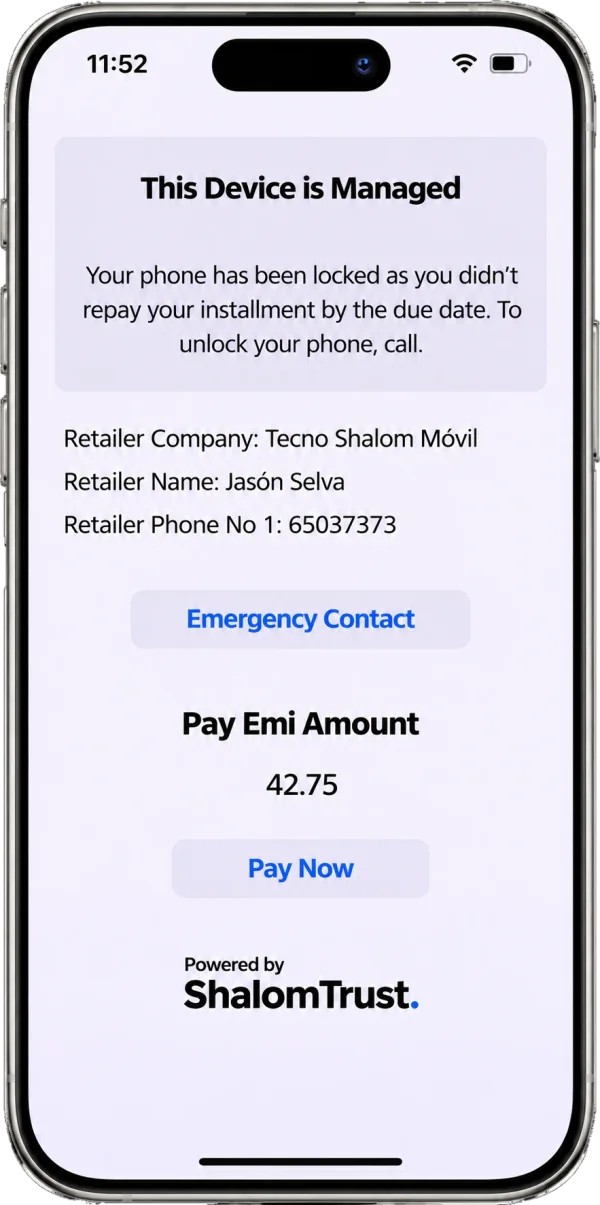
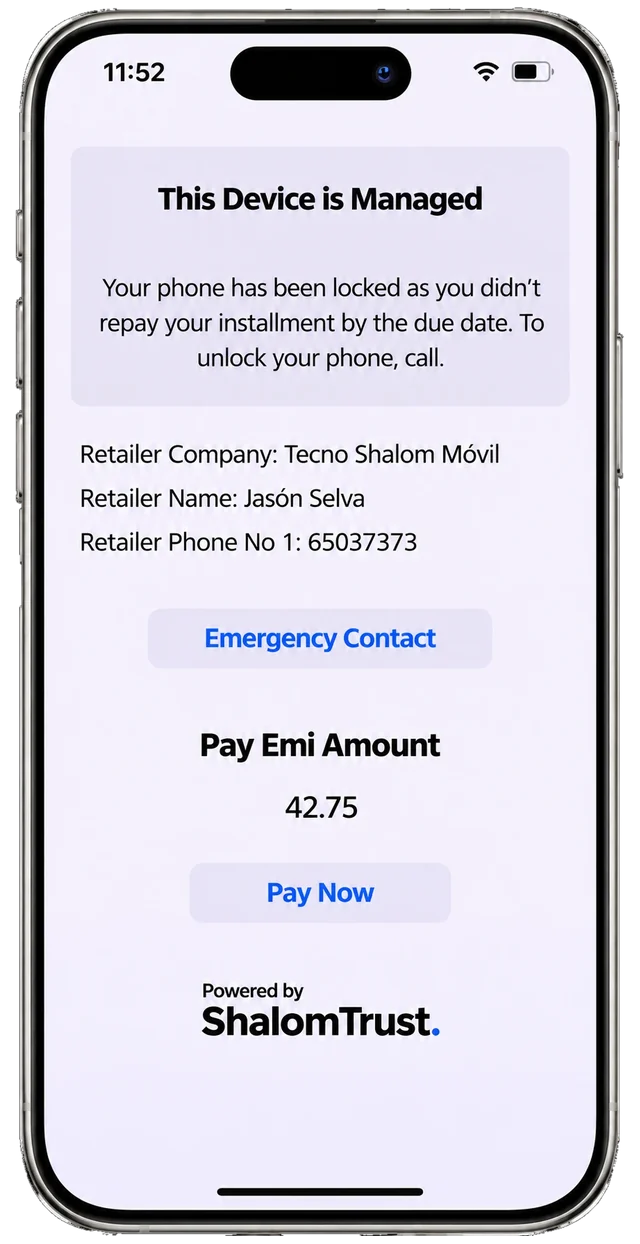
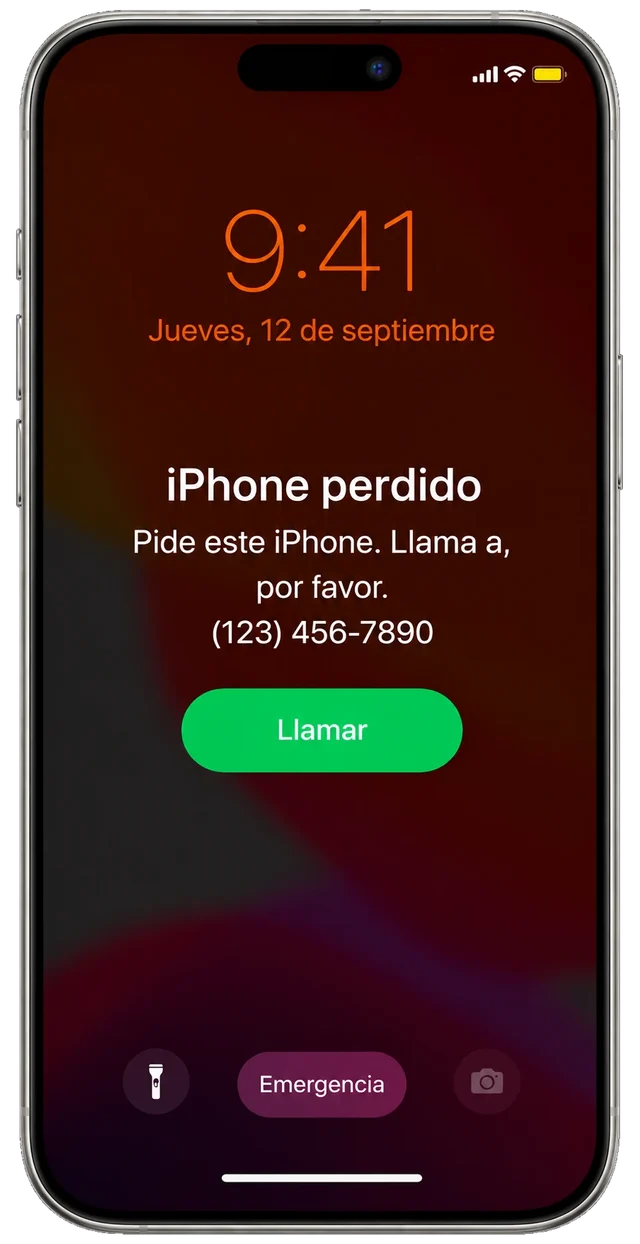
Comparison of two locks. On the left, an iPhone in Lost Mode that only shows a number to call, with the Shalom Trust mascot looking unhappy in front. On the right, the Shalom Trust lock, showing the store, its contact details, the amount due and a button to pay, with the mascot jumping for joy in front.

A lock that speaks like your business
Lost Mode is for a misplaced iPhone. The Shalom Trust lock is a payment notice with your brand.
Differences
Your whole business connected
For stores and lenders: from customer registration to payment, collections software and MDM on a single platform.
-
It all starts with a customer.
Centralize your customers’ information and organize every deal from the moment they are registered.
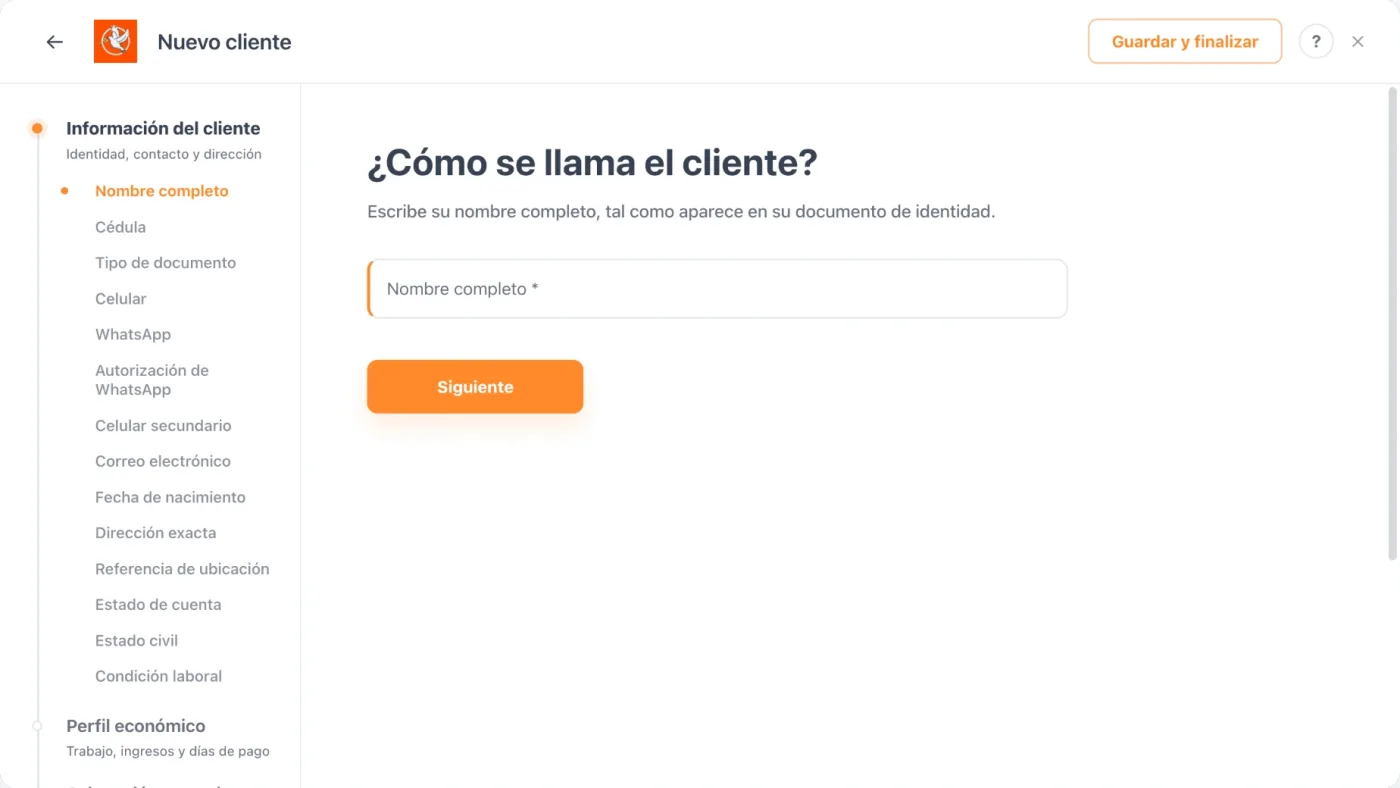
The “New customer” wizard guides registration step by step: name, ID number, mobile, WhatsApp and address.
Stage 1 · CustomerNext: Contract
-
Every sale, with its contract.
Link the customer to the credit terms, the term length and the payment schedule.
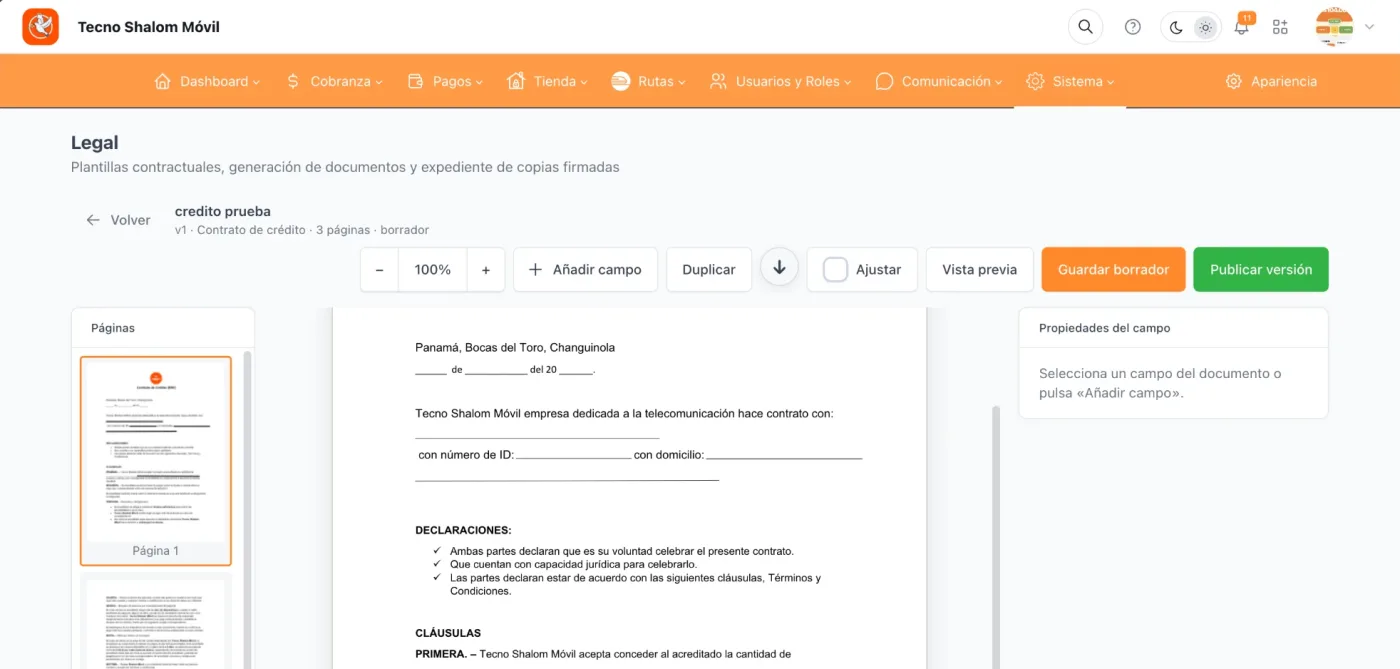
The credit contract template is prepared in the Legal module: it is saved as a draft and published as a version.
Stage 2 · ContractNext: Device
-
The device is part of the operation too.
Link compatible devices to customers and contracts, connecting MDM administration with your sales management.
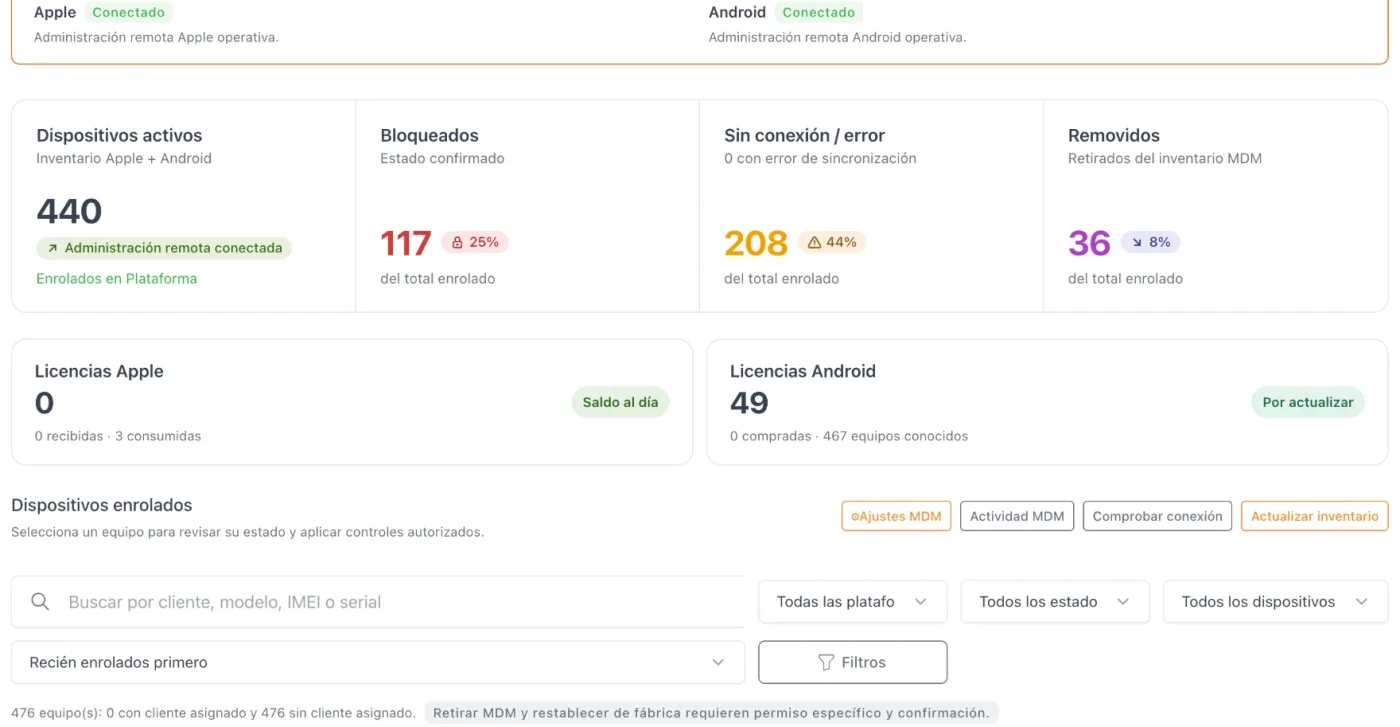
Apple and Android connected, with the totals of active, locked, offline and removed devices.
Stage 3 · DeviceNext: Installment
-
Every due date, tracked.
Check installments, their dates, amounts and statuses in a single system.
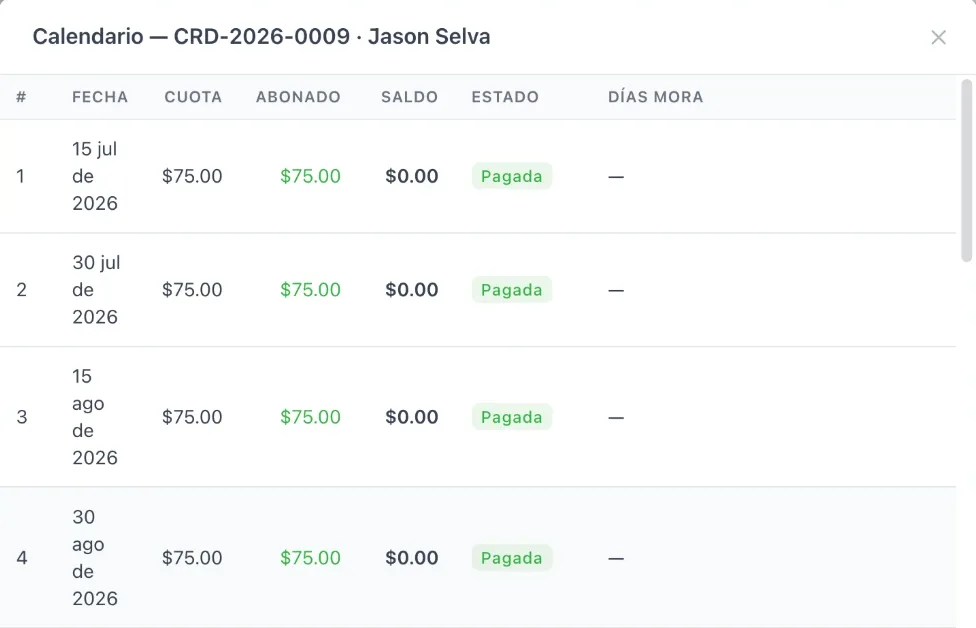
Each installment shows its date, amount, amount paid, balance and status.
Stage 4 · InstallmentNext: Collections
-
Follow-up when you need it most.
Organize collection actions, payment promises and the follow-up of outstanding balances.
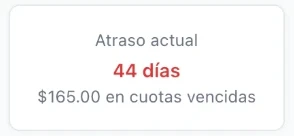
The credit summary shows the days overdue and the amount in overdue installments.
Stage 5 · CollectionsNext: Payment

-
Payment completes the journey.
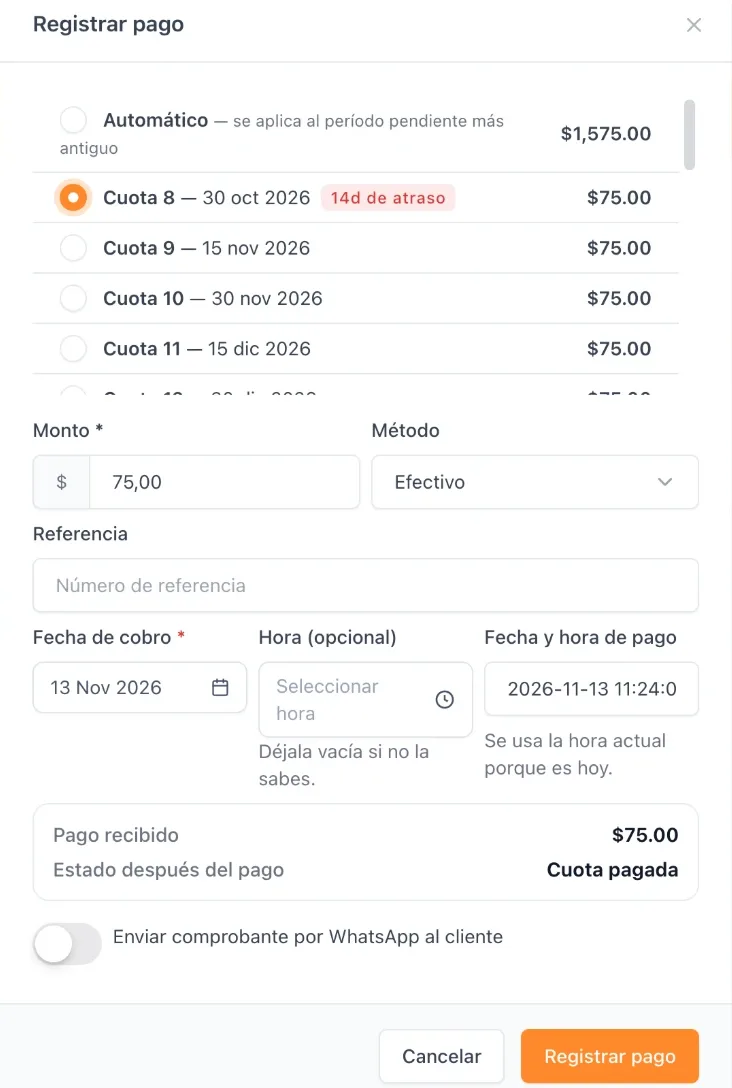
Record and reconcile payments to keep the history and the status of each obligation up to date.
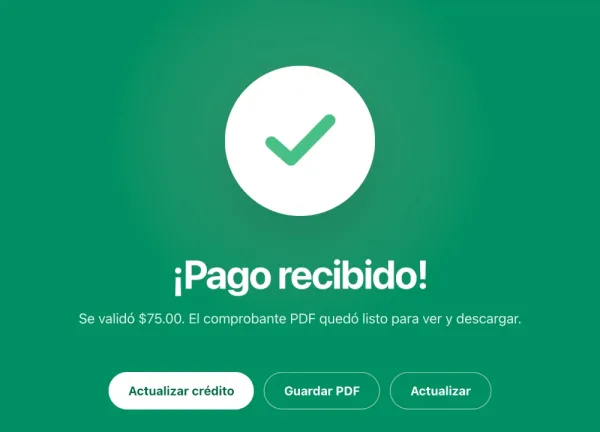
The payment is applied to an installment, with method, reference and collection date; the receipt is saved as a PDF.
Stage 6 · PaymentEnd of the journey
Your customer doesn’t see a “lost iPhone”. They see your business.
Shalom Trust locks the iPhone with its own corporate screen: your brand, the installment and how to pay. Not with Lost Mode.

Not just another MDM.

- Hi! I’m Shalom. I know what it takes to move forward a business that sells on credit.
- That’s why we give you order and peace of mind: every customer, their contract, their device and every installment, in one dashboard.
- And if an installment runs late, you’re not alone: the device shows your brand and how to pay. Your customer knows who to call.
- We’re always here for you, guiding you every step of the way. Your business grows, and we grow with you. Shall we talk? Request your demo.

Your business deserves something better
| Features | Other systemsMDM | Shalom TrustAll in one |
|---|---|---|
| iPhone lock | Lost Mode | Corporate screen |
| Your brand, the installment and “Pay now” on the lock screen | ||
| Android and iPhone in one dashboard | Depends on the provider | |
| Customer and contract CRM | ||
| Installment and overdue collections | ||
| Every phone linked to its contract | ||
| Reminders and automatic lock for late payment | With integration | |
| How you start | Depends on the provider | Free CRM plan |